What is this plant?
Take a photo or choose one from your gallery. Discover the plant name and the care that suits it.
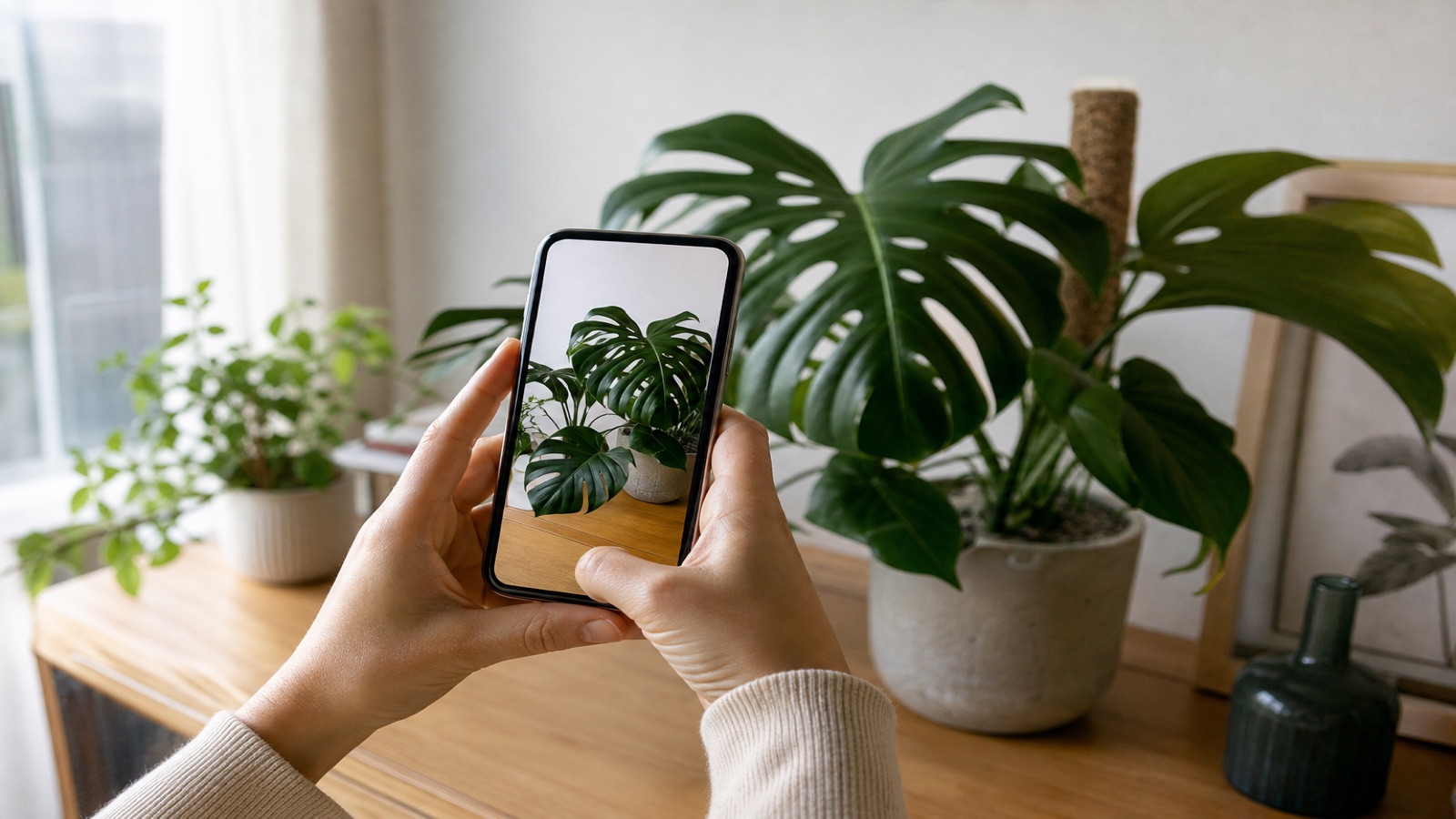
MonsteraMonstera deliciosa
Identify plants from photos, get watering reminders, and find care advice for your own plants.
For iPhone and Android
See how it worksStart with a single photoFrom your first photo to a brand new leaf. Get to know your plants, build a care routine, and notice what changes.
Take a photo or choose one from your gallery. Discover the plant name and the care that suits it.
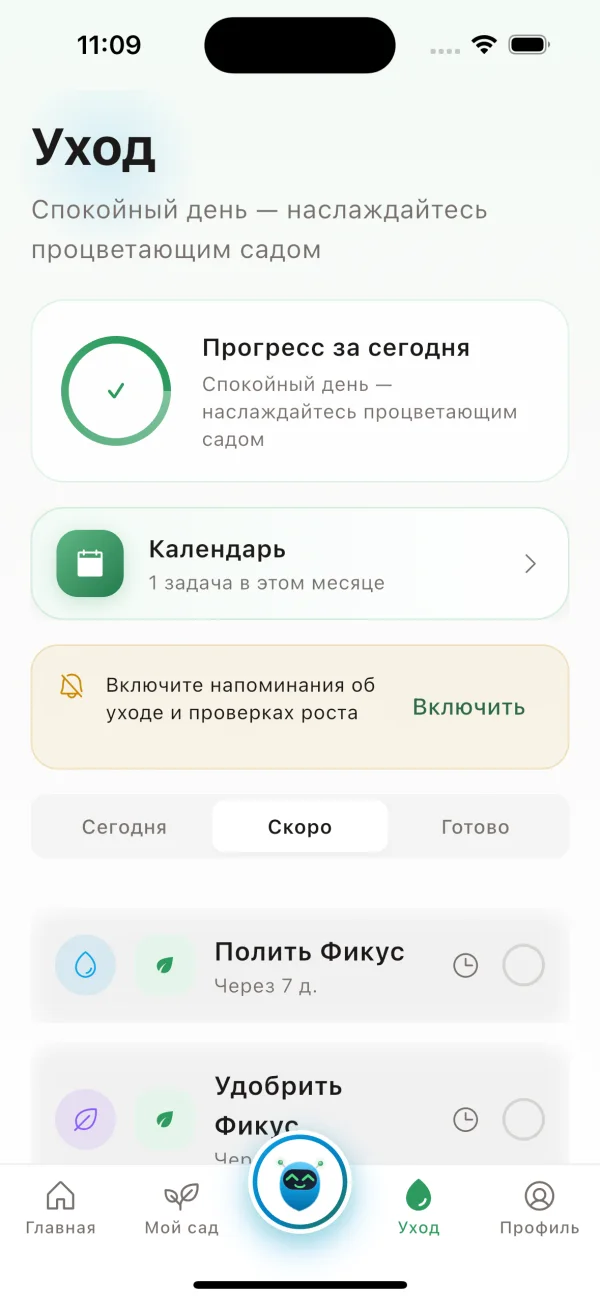
Set reminders for watering and other care. Log completed tasks and see what is coming up next.
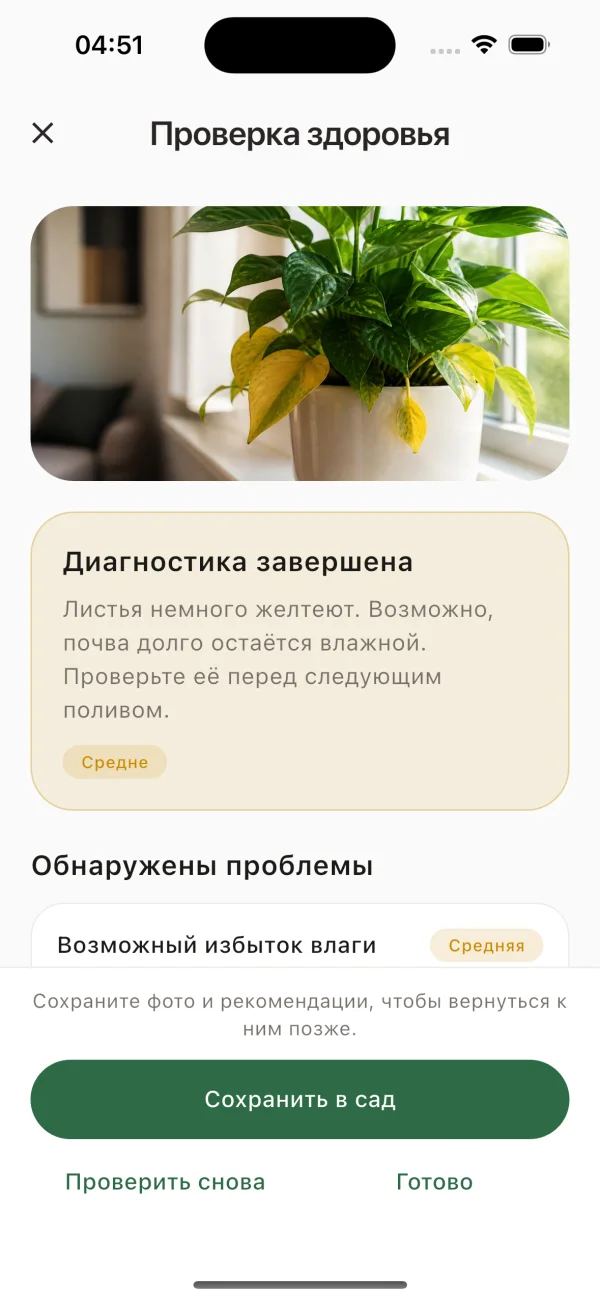
Share a photo of the leaves. AI suggests possible causes and what to pay attention to first.
Your plants, their condition, and upcoming care, all in one place.
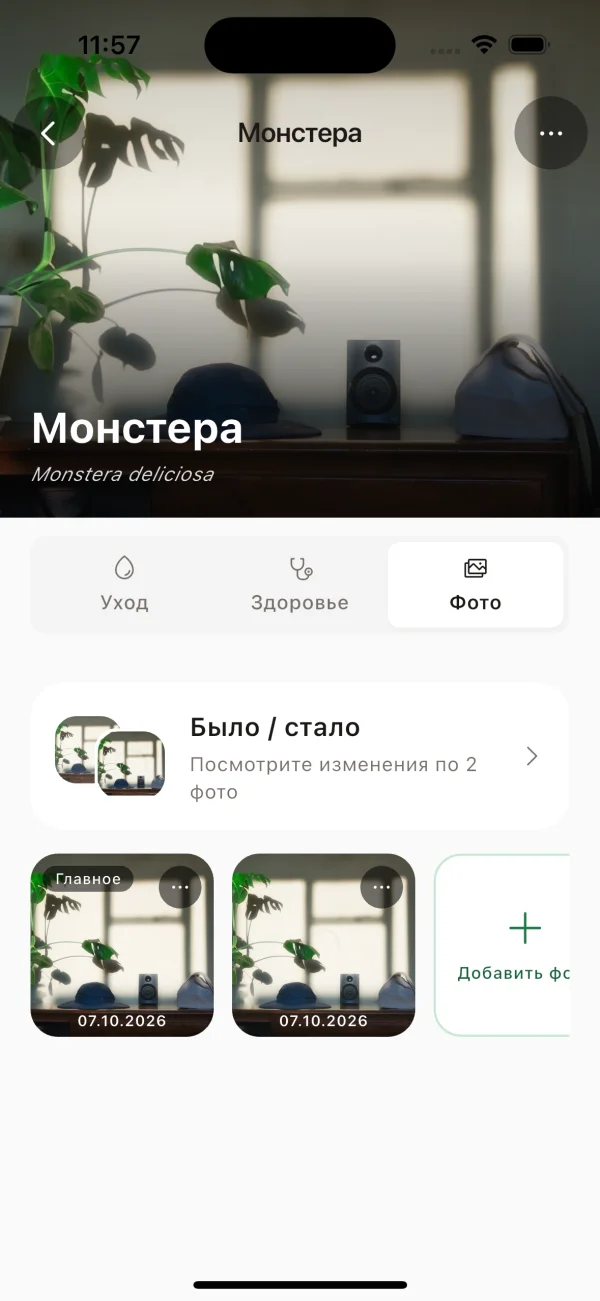
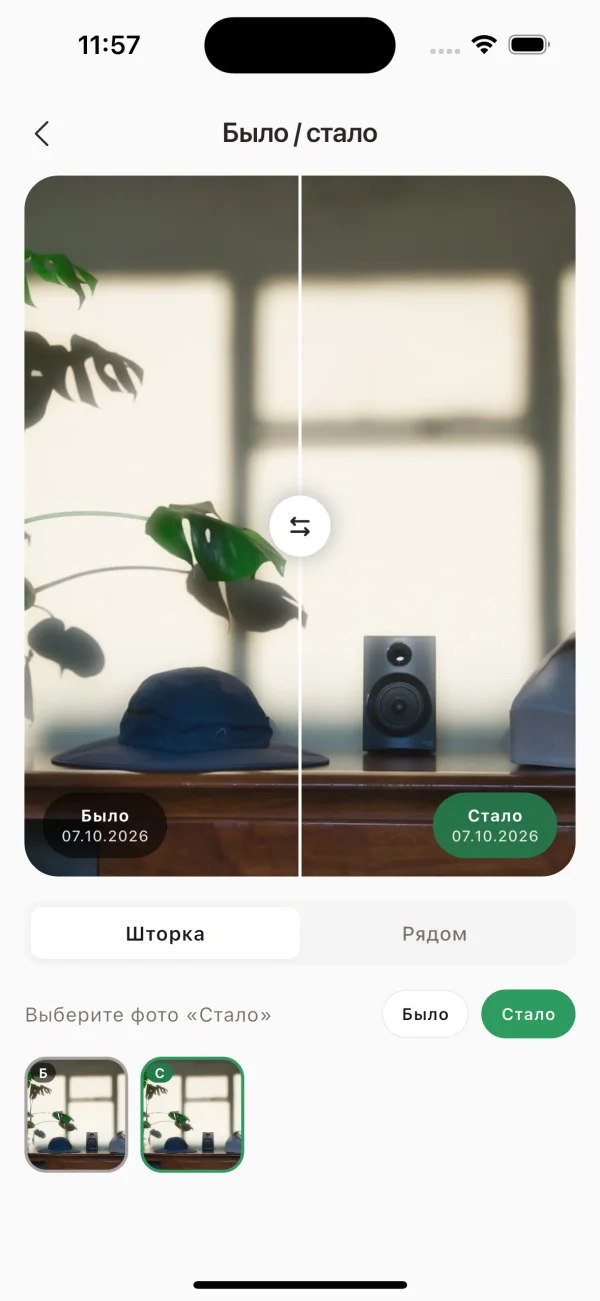
Keep photos, care logs, and health checks so you can follow changes.
Talk through care questions with an AI that takes your collection into account.
Take a photo, choose one from your gallery, or enter the plant name yourself.
Set reminders for your plant. Log watering and other care tasks right in the app.
Add new photos, check plant health, and ask your AI botanist when something concerns you.
Free to download. AI features depend on your plan.
Ask about watering, light, or leaf health. The botanist takes your plant collection and care history into account.
Choose an example question
Example conversation
Ask your own questions and share photos in the app.
Start free. Pro includes an unlimited collection, with no monthly limit on diagnosis, standard identification or chat.
Standard identification while adding a plant does not use the standalone lookup allowance. Free lets you save up to 3 plants. Expert mode in Pro has a separate monthly allowance. Check availability and remaining requests in the app.
Payment and auto-renewal via YooKassa. Pro status syncs in the app automatically. Cancel anytime in the app or your account.
A little more about how InPlant helps with everyday plant care.
Compare Free and Pro →Yes. The free plan includes a plant collection and care reminders. Limits apply to the number of plants and AI requests. See Pricing for what is included in Free and Pro.
No. Start with a photo: InPlant helps you find the plant name and understand what to pay attention to when caring for it.
Set reminders for watering and other tasks for each plant. Log completed care or reschedule a task if your plant does not need watering yet.
Photos, care logs, and health check results. Open the plant profile to look back and see how its condition has changed.
Yes. Take a new picture in the app or choose an existing photo of your plant.
Try a clearer photo in good lighting, with the leaves and stem in view. Always compare the identification with your own plant.
InPlant is available for iPhone on the App Store and for Android on RuStore. Tap a download button to open the app in your store.
Download InPlant. Take a photo and get to know your plant.